
How to Take Bar
Inventory by Voice
A practical guide to taking bar inventory by voice.
Clipboards, spreadsheets, barcode scanners: they all share the same problem. Your hands are busy and your eyes are on a screen instead of your shelves. Voice inventory changes that.

What Voice Inventory Sounds Like
You walk along your bar and say each level. The AI captures everything in real-time.
No typing, no scanning, no stopping.
Every Way to Take Bar Inventory, Compared
Bars have been taking inventory the same way for decades. Here's how the methods stack up.
| Method | Team-Friendly |
|---|---|
| Clipboard & Pen | No |
| Spreadsheet on Tablet | Difficult |
| Barcode Scanning | Limited |
| Voice InventoryRecommended | Yes |
The Old Way vs. The Voice Way
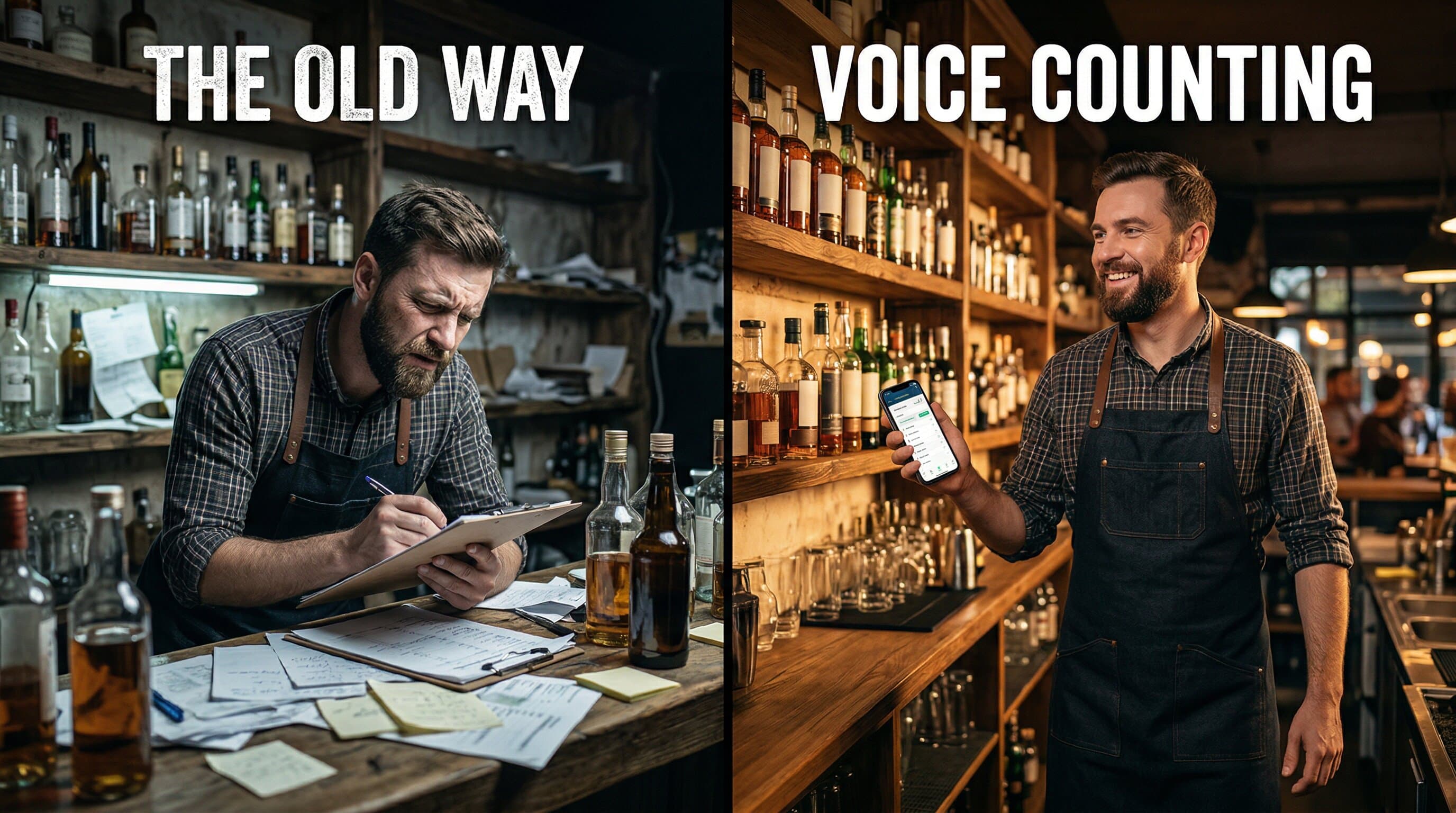
The Old Way
Slow going. Data entry errors. Staff bottleneck.
The Voice Way
Less to write down. No data entry. Full team participation.
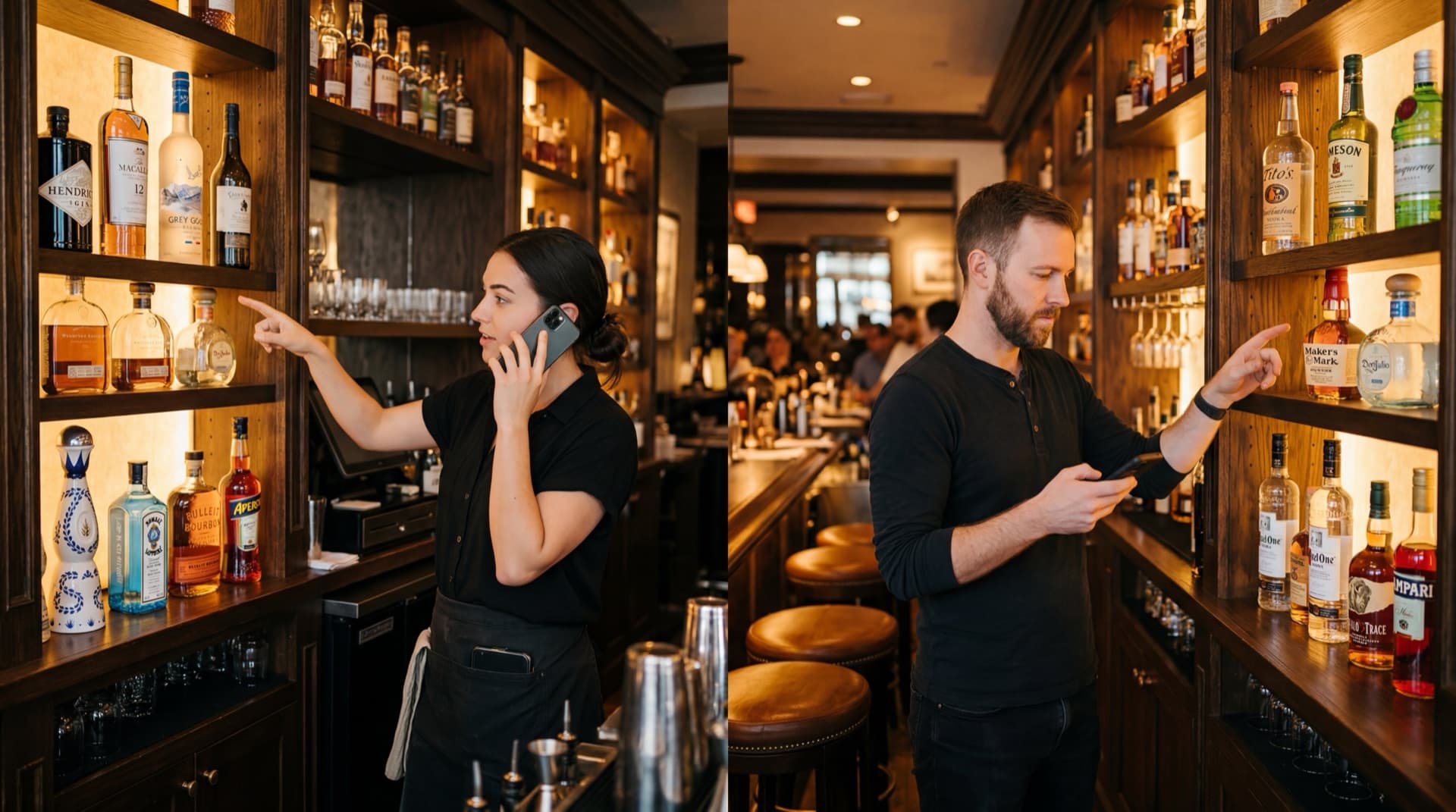
Your Whole Team Counts at Once
Why have one person count 200 bottles when four people can each handle 50? Team Inventory lets every bartender count by voice on their own phone, simultaneously.
- Each team member takes a section
- Everyone counts by voice at the same time
- Real-time sync prevents duplicates
- Managers track live progress on the web
- Results ready for review when the last person finishes
Live Team Progress
Managers see progress from the web dashboard
Frequently Asked Questions
Open Lixor on your phone, start an inventory, and walk along your bar. Bottles appear in shelf order. Say each level out loud: "point eight," "one point five," "zero point three." The AI captures everything hands-free.
Lixor's speech recognition is tuned for taking inventory. It understands decimal levels (0.5, 0.8, 2.3), bottle names and natural speech. You can review and edit every level before you submit.
Yes. With Team Inventory, each bartender takes a section and counts by voice on their own phone. Everything syncs in real time with no duplicates or conflicts. Available on Teams and Premium.
Tap "Try Again" and say the level again. You can also review and edit every level before you submit.
Yes. Voice counting, Sequential Counting, and hands-free counting all work on both. The phone can be locked and in your pocket the whole time on either platform.
Scanning means stopping at every bottle to find and scan a barcode, every time. With Sequential Counting you set up your bottle order once, and every inventory after that is just walking and talking.