
Arrange Once. Count Forever.
Set up your bottle order to match your shelves one time. After that, every inventory is just walking and talking.
Set Your Order
Use Photo Arrange AI, Chapter Ordering, or drag-and-drop to match your shelf layout.
Walk Your Bar
Bottles appear in shelf order. No searching, no scanning. Just move left to right.
Talk Through It
"Tito's, point eight. Ketel One, one point two. Hendrick's, point three." Done.
Every inventory after the first is just walking and talking.
Need extra precision? AI photo analysis and Bluetooth scale measurement are also available on Teams and Premium plans.
We Know This Scene Too Well
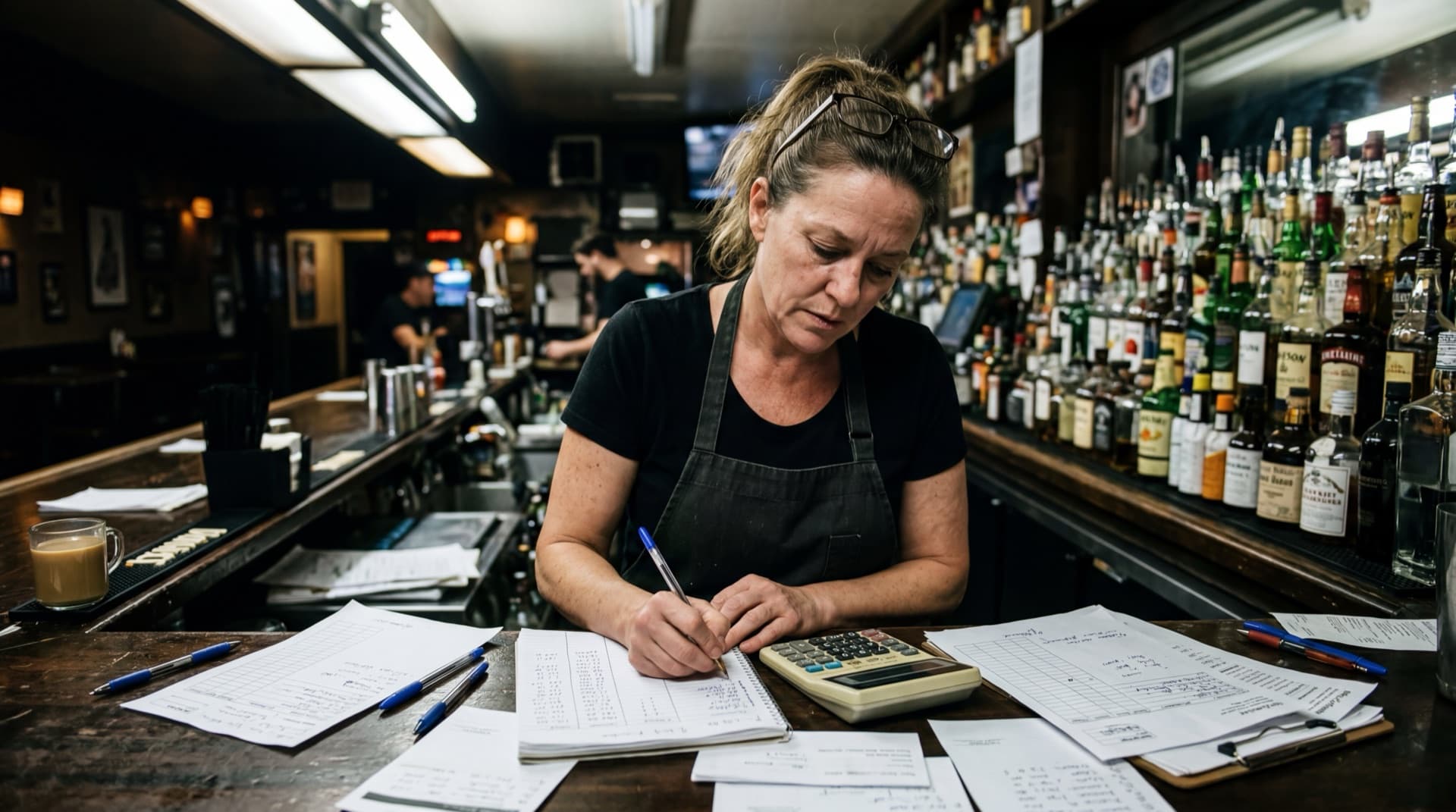
"Look familiar?"
Inventory falls apart when only one person can count at a time. One person calls out bottle levels while another writes them down. Everyone else waits. Then someone has to re-enter all of it into spreadsheets.
Lixor changes this completely. Your entire team counts together. Each person takes a section. Bottles appear in shelf order, so there's no searching. Just say the level and move on.
Here's how it works:
Your whole team counts at once
Everyone takes a section simultaneously
Bottles in shelf order
No searching. Just walk left to right
Just say the level
Reports generate automatically
A Better Way to Take Inventory
The Old Way
The Lixor Way

Meet Lix, Your AI Bar Expert
Lix is built into every screen. Ask about your inventory, variance, pour costs, reorder suggestions, anything about your bar data. She pulls from your live numbers, not generic advice. Not sure how a feature works? Ask Lix. She's also your help desk.
Try asking (click to explore):

Lix AI Assistant
Powered by your bar data
What are my top-selling spirits?

Based on your last 30 days: Tito's (42 bottles), Buffalo Trace (38), and Jameson (31) are your top movers. Tito's is up 12% from last month.
Your Team Counts on Mobile. Managers Review on Web.
See Lixor in Action
Set your bottle order once, then every inventory is just walking and talking. Track everything from stock levels to variance reports, all from your phone.
Built by Bartenders, for Bartenders
Founded by industry veterans with decades of combined experience. We understand the real challenges bartenders face because we've lived them.
Trusted by Leading Establishments



Frequently Asked Questions
You set up your bottle order once to match your shelves. After that, bottles appear on screen in the exact order they sit on your bar. Just walk along and say each level out loud. "Tito's, point eight. Ketel One, one point two." The AI captures everything. No scanning, no typing.
Only once, during setup. You scan each bottle's barcode to add it to your area. After that, you never scan again. Sequential Counting remembers your shelf order, so every inventory is just walking and talking.
Lix is a generative AI assistant built into every screen. She knows your actual bar data (inventory levels, variance, pour costs, sales trends, team performance) and gives real answers, not generic advice. Ask "What should I reorder this week?" or "Which bottles have the highest loss?" She's also your help desk: ask how to use any feature, take inventory, or configure your account. Think of her as your smartest bartender and your user manual in one.
Yes. Multiple bartenders can count different sections simultaneously on their phones. Everything syncs in real-time with no duplicates. Managers can track live progress from the web dashboard.
Any smartphone. iPhone or Android. Voice counting and sequential counting work on both platforms with no extra hardware required. If you want exact-weight precision, you can add any compatible Bluetooth kitchen scale (~$25 on Amazon). Useful for your most expensive pours or any bottle where eyeballing isn't enough.
Lixor has three plans: Essentials ($59/mo) for solo operators with voice inventory, Teams ($129/mo) which adds team inventory, AI photo analysis, Bluetooth scale support, and role-based permissions, and Premium ($219/mo) with unlimited users, POS integrations, and variance reports. Every new account gets a 14-day free trial with Teams-level access. No credit card required.
Most inventory systems require scanning every bottle every time, or buying expensive proprietary scales. Lixor's sequential counting lets you arrange bottles once and take inventory by just walking and talking. No scanning needed. Plus, team inventory lets your whole staff work simultaneously instead of one person at a time.
Yes. Lixor connects with leading POS systems to automatically calculate variance between what was sold and what was consumed, helping you catch losses in real-time. POS integration is available on the Premium plan.
Ready to stop doing inventory the hard way?
Set up your bottle order once. After that, every inventory is just walking your bar and talking.
Already have an account? Sign in