
Lixor is voice-first. Photo Arrange is how you set up.
Most counts happen by voice. Photo Arrange gets your bottle order right so voice inventory flows naturally. Learn about voice inventory →
Set Up Your Shelf Order with a Photo
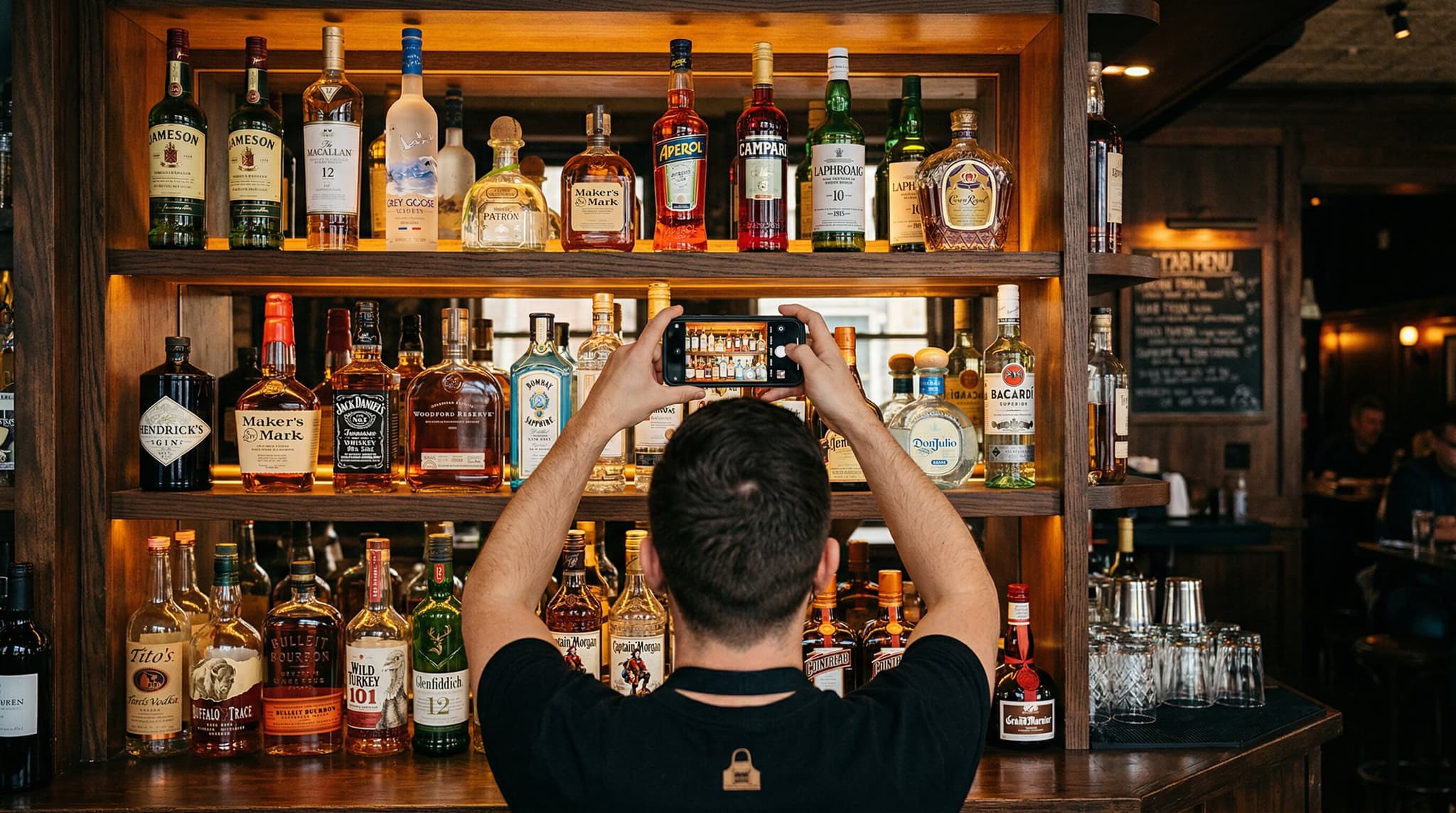
Take a photo of your bar shelf. Lixor's AI reads the labels and arranges your bottle order automatically. The fastest way to set up Sequential Counting.
Three Steps to a Perfect Shelf Order
Open Your Inventory
Navigate to any inventory on your phone. Tap the camera icon in the lower right corner.
Photograph Your Shelf
Take a clear photo of your bottles with labels facing the camera. Good lighting helps the AI read labels accurately.
AI Arranges Your Order
Lixor's AI reads the labels, matches them to your inventory, and arranges your count order to match your physical shelf. Review and adjust if needed.
Why Use Photo Arrange?
Setting up bottle order is the one-time task that makes every future count effortless.
Setup in Seconds
Skip the tedious manual drag-and-drop. One photo arranges dozens of bottles instantly.
Feeds Sequential Counting
Photo Arrange sets the bottle order. After that, every inventory is just walking and talking with voice.
Re-Photograph Anytime
Rearranged your shelves? Take a new photo. The AI re-reads your layout and updates the order.
Pairs with Voice Inventory
Photo Arrange handles setup. Voice handles the actual counting. Together, they eliminate manual data entry entirely.
Photo Arrange is for Setup. Voice Inventory is for Every Count After.
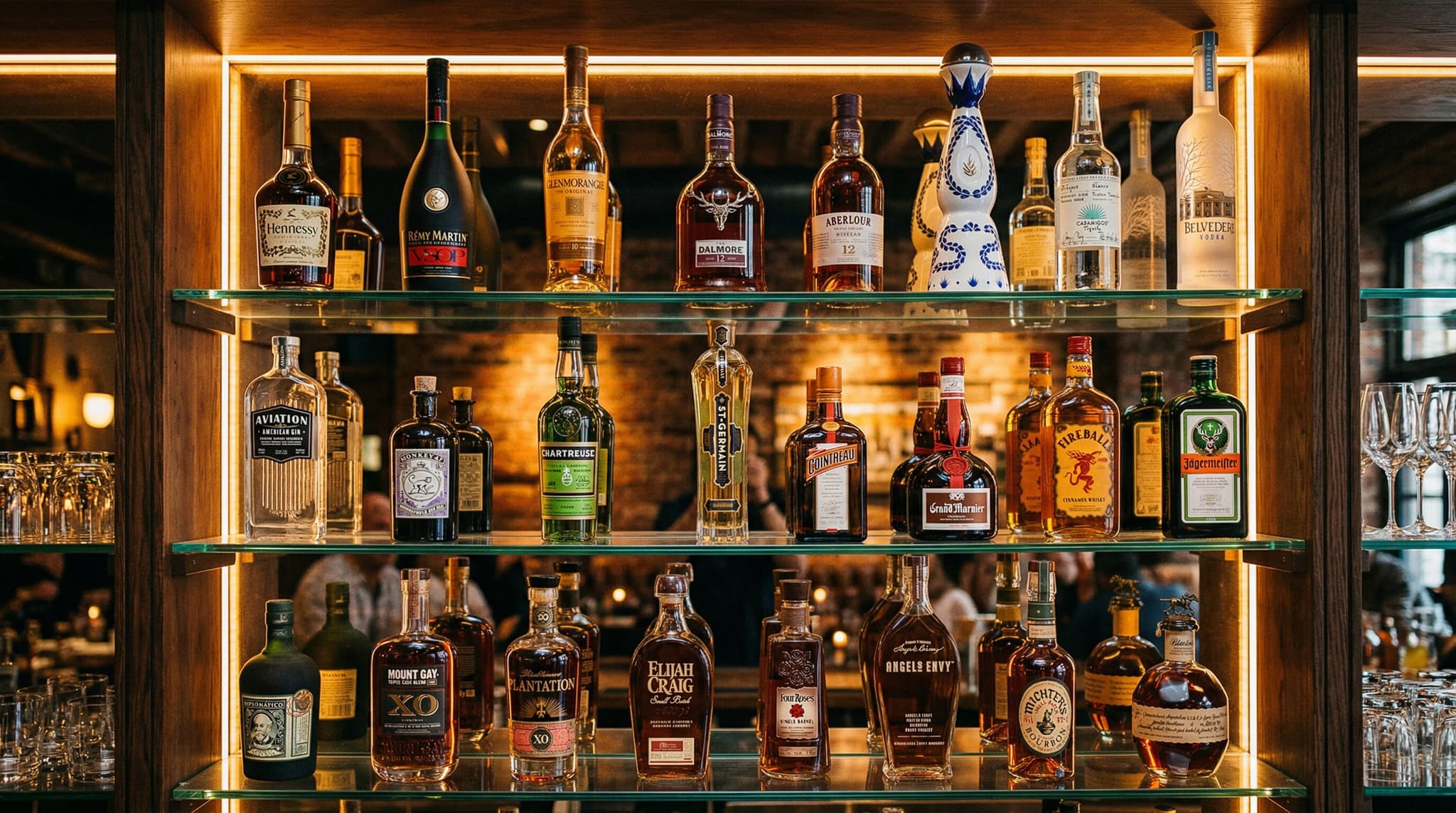
Think of Photo Arrange as your setup assistant. Photograph your shelf once, and the AI arranges your bottles to match the physical layout.
After that, Sequential Counting takes over. Every count is just walking along your bar and saying each level out loud. The order is already set, so you never search for a bottle.
Rearrange your bar? Take a new photo. The AI re-reads your layout and updates the order in seconds.
The Workflow
Once: Photo Arrange
Snap a photo. AI sets your bottle order.
Every time: Voice Count
Walk your bar. Say each level. Done.
Result: Accurate Counts, Fast
No searching, no scanning, no typing.
Frequently Asked Questions
Open any area on your phone, tap the camera icon, and take a photo of your shelf. Lixor's AI reads the bottle labels and matches them to your bottle list, automatically arranging your inventory order to match your physical shelf layout.
Accuracy depends on photo quality. With clear, well-lit photos where labels face the camera, the AI matches most bottles correctly. For any bottles it can't identify, you can quickly adjust manually.
No. You only use Photo Arrange once to set up your bottle order. After that, Sequential Counting remembers the order and every inventory is just walking and talking.
AI photo analysis is available on Teams ($129/month) and Premium ($219/month) plans. Every new account starts with a 14-day free trial at the Teams level.
Absolutely. Photo Arrange sets up your bottle order. Voice handles the actual counting. They work together: photograph to organize, then count by walking and talking.
If labels are obscured or turned away, the AI will skip those bottles. You can drag them into position manually in seconds. Most users find that Photo Arrange gets the majority of bottles right on the first try with a clear photo.